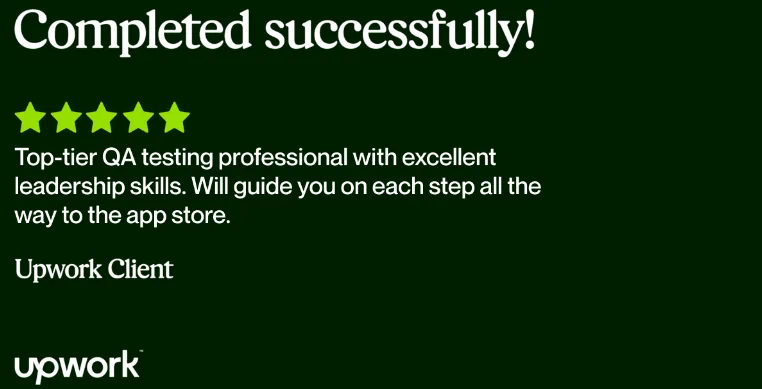
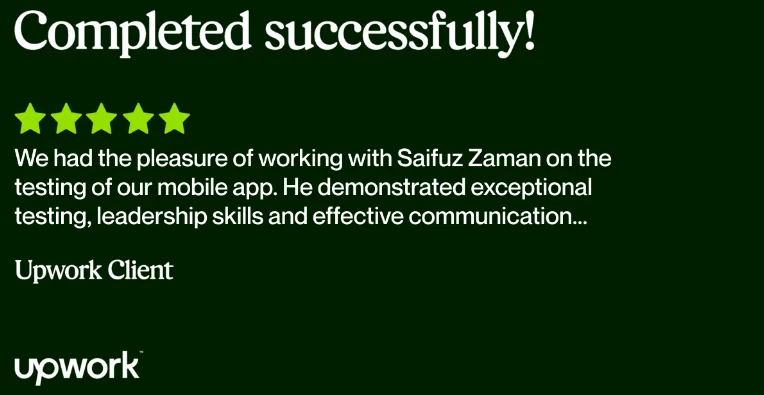
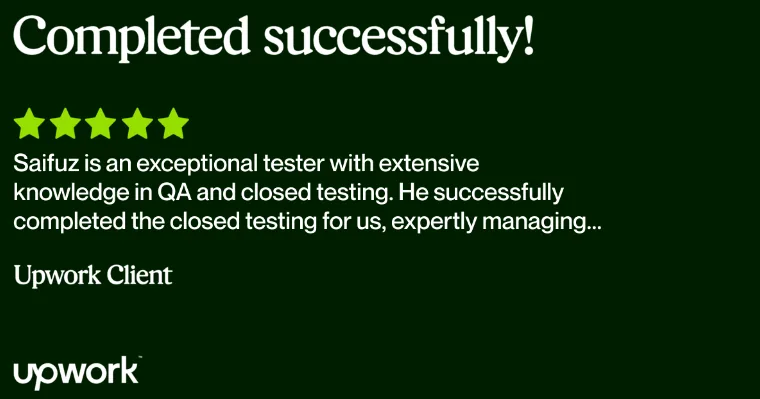
Google Play Closed Testing Service

12+ Expert Beta Testers • 14 Days Continuous Testing • 83+ Passed by Saifuz Zaman

Order 12 Testers Service on Upwork Closed Testing Guide (C4U Tech)

83+ Apps Passed - Proven Closed Testing Results

83+
83+ Apps Passed
12+
12+ Real Beta Testers
14
14 Days Continuous Testing
100%
Production Track Success

Ready to Unlock Google Play Production Access?

Get guaranteed compliance with Saifuz Zaman's 12 testers service over 14 consecutive days. Join 83+ apps passed into production!

Order 12 Testers Service Read C4U Tech Guide

Learn: How to do a successful closed testing

Recommended Reading: Google Play Closed Testing Guide on C4U Tech

Want the full breakdown on avoiding Google Play account flags, automated 14-day tracking, and tester onboarding templates?

Google Play Closed Testing Guide - C4U Tech Blog

1. Setting Up Closed Testing

Follow these essential steps to properly set up closed testing for your app and ensure it receives quality feedback before public release:

Create a Closed Testing Track

  • Log in to your Google Play Console
  • Navigate to Testing > Closed testing
  • Click on Create track
  • Enter a Track name (e.g., "Beta Testers") and click Create track
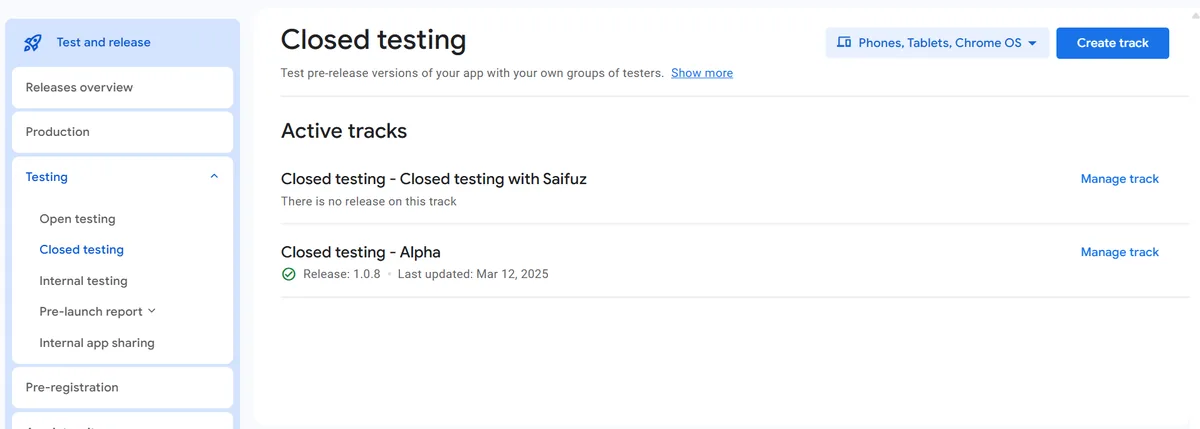
Creating a Closed Testing Track in Google Play Console

Select Countries/Regions

  • Go to the Countries/regions tab
  • Click on Add countries/regions
  • Select desired countries (e.g., USA, Canada, Bangladesh) or choose Select all countries/regions
  • Click Add

Add Testers

  • Navigate to the Testers tab
  • Under the "Testers" section, add testers via:
  • Email:
    • Click on Create email list
    • Enter a List name (e.g., "Team_Saifuz")
    • Add email addresses separated by commas or upload a CSV file
    • Click Save changes
  • Google Groups:
    • Select Google Groups
    • Enter the Google Group email addresses
    • Click Save changes

Prepare Your App Release

  • Go to Testing > Closed testing and select your created track
  • Click on Create new release
  • Upload your app bundle (AAB) or APK file
  • Provide release notes for your testers
  • Click Save

Roll Out the Release to Testers

  • Verify all information is correct
  • Click on Save and go to Publishing overview
  • Send the changes for review
  • Once approved, the app will be available to your testers

2. Tester Participation

Manage your testers effectively to gather valuable feedback and insights about your application:
Key Performance Indicators Dashboard

Tester Onboarding

  • In the Testers tab of your closed testing track, copy the Opt-in URL
  • Share this link with your testers to allow them to opt-in and download your test app
  • Testers will follow the link, accept the invitation by clicking "Become a tester", and download from the Play Store

Testing Guidelines

  • Testers should use the app daily and provide comprehensive feedback
  • Each tester should use a unique Android device for more diverse testing
  • Continuous testing and feedback are essential for a successful transition to production

Tips for Successful Testing

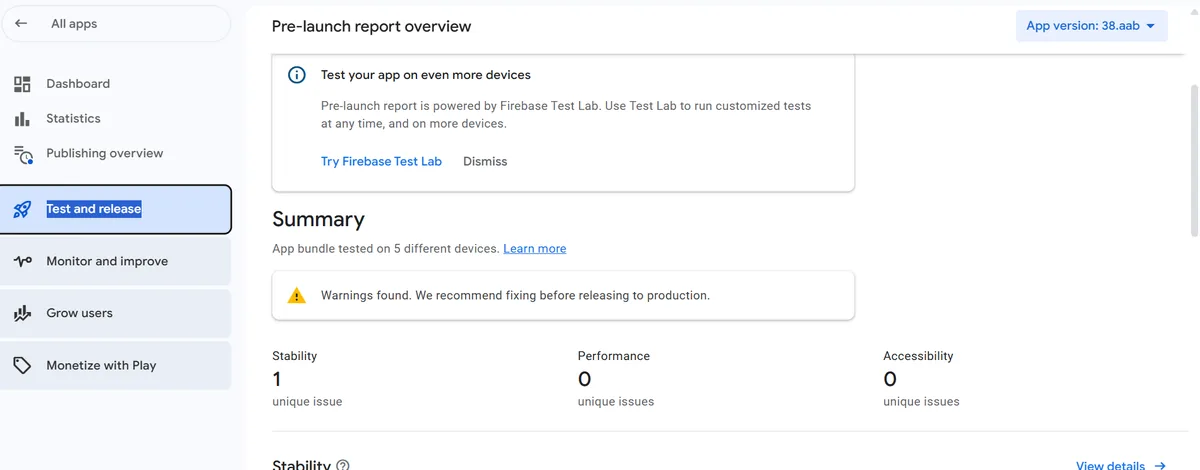
  • Pre-Launch Reports:
    • Review pre-launch reports under Testing > Pre-launch report > Overview
    • Address issues related to stability, performance, and accessibility
  • Pre-Launch Reports in Google Play Console
  • Unique Devices:
    • Ensure testers use unique devices and test daily
    • Have testers explore as many app functionalities as possible
  • Monitor Key Performance Indicators (KPIs):
    • Enable KPIs in the dashboard (User acquisitions, Total installs, Audience growth rate)
    • Track installation counts and user growth during testing
Need Expert Help?

Let our professional team handle the closed testing process for you!

Hire Us Now

3. Transitioning to Production

After successful testing, follow these steps to move your app to production and make it available to the public:

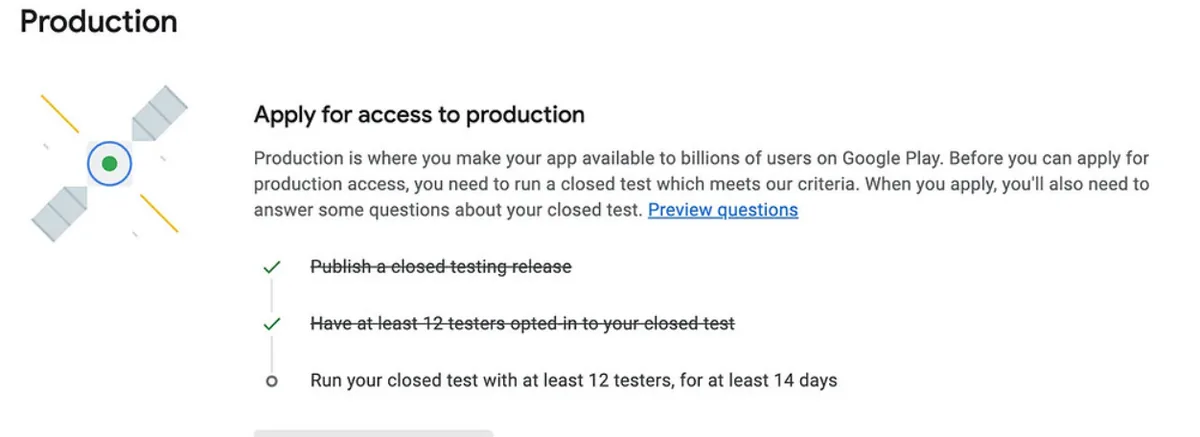
Apply for Production Access

Our Closed Testing Services

12+ Testers Closed Testing Service

  • 12+ Qualified Beta Testers on real physical Android devices
  • 12 Tester 14 Days continuous engagement & usage logging
  • Daily usage tracking and testing with detailed feedback
  • 83+ Apps Passed Google Play closed testing track

Complete Production Package

  • 100% Production Access Guaranteed with proven testing plan
  • Assistance answering 7 Google Play Closed Testing Form questions
  • Pre-launch report analysis, crash troubleshooting & logcat review
  • Upwork escrow payment protection for your security

About Saifuz Zaman & Closed Testing Services

About Saifuz Zaman

As a certified & Top-Rated QA Engineer on Upwork and CEO of C4U Tech, I specialize in manual, functional, and mobile app QA. With a dedicated team of 12+ beta testers, I have helped 83+ apps successfully pass Google Play closed testing to achieve 100% production approval.

Saifuz Zaman - Closed Testing Expert

Our 12 Testers 14 Days Closed Testing Service

We provide full-lifecycle closed testing solutions to gain Google Play Console production track access:

  • A dedicated team of 12+ real beta testers with diverse Android hardware and OS versions
  • 14 days of uninterrupted testing with daily usage logs, bug reports, and reviews
  • Expert assistance with Google Play 14-day Closed Testing questionnaire answers
  • Strict data privacy and security protocols
  • Full adherence to the 2026 Google Play Store Submission and Compliance Checklist
  • App usage proof and engagement tracking

Note: Every tester account, device, and IP address is unique, avoiding account flags.

Why Developers Choose Our 12 Testers Service

  • 83+ Apps Passed: Zero rejected applications when following our testing strategy
  • 12+ Testers on 14 Days Track: Exceeds Google's minimum requirements
  • C4U Tech Authority: Backed by our official Google Play Closed Testing Guide
  • Transparent Upwork Escrow: 100% money-back security on Upwork

By choosing our service, you save valuable weeks and guarantee that your Android app meets all Google Play Store production requirements.

Hire 12+ Testers Team on Upwork

Frequently Asked Questions: 12 Testers 14 Days Closed Testing

What is Google Play Closed Testing and the 12 testers 14 days requirement?

Google Play requires personal developer accounts to run a closed test with at least 12 testers opted in for at least 14 days continuously before applying for production access. Whether you search for closed testing or closes testing, your beta testers must actively interact with your app daily to demonstrate stability.

How many apps has Saifuz Zaman passed through closed testing?

Saifuz Zaman and the C4U Tech team have achieved 83+ passed apps with a 100% approval rate on the Google Play Console production application.

What is included in the 12 testers service by Saifuz Zaman?

Our 12 testers service provides 12+ real beta testers equipped with unique Android hardware devices and distinct Google Play accounts. We ensure daily active usage over the full 14 days, log bug and crash reports, monitor Pre-Launch reports, and help you draft winning answers for the 7 Play Console production questions.

Where can I read the full Google Play Closed Testing Guide?

You can read the complete, up-to-date guide on the Google Play Closed Testing Guide - C4U Tech Blog.

What My Clients Say